Bart's City Life Saver

Bart’s City Life Saver

A WooCommerce booking site for a City of London life-saving charity, built so anyone can find a CPR and defibrillator course, pick a date and pay in a couple of taps, and so a small, non-technical team can run it without calling a developer every week.
  • Astra
  • FooEvents
  • WooCommerce
  • WordPress
  • November 2026
Visit bartscitylifesaver.org (opens in a new tab)
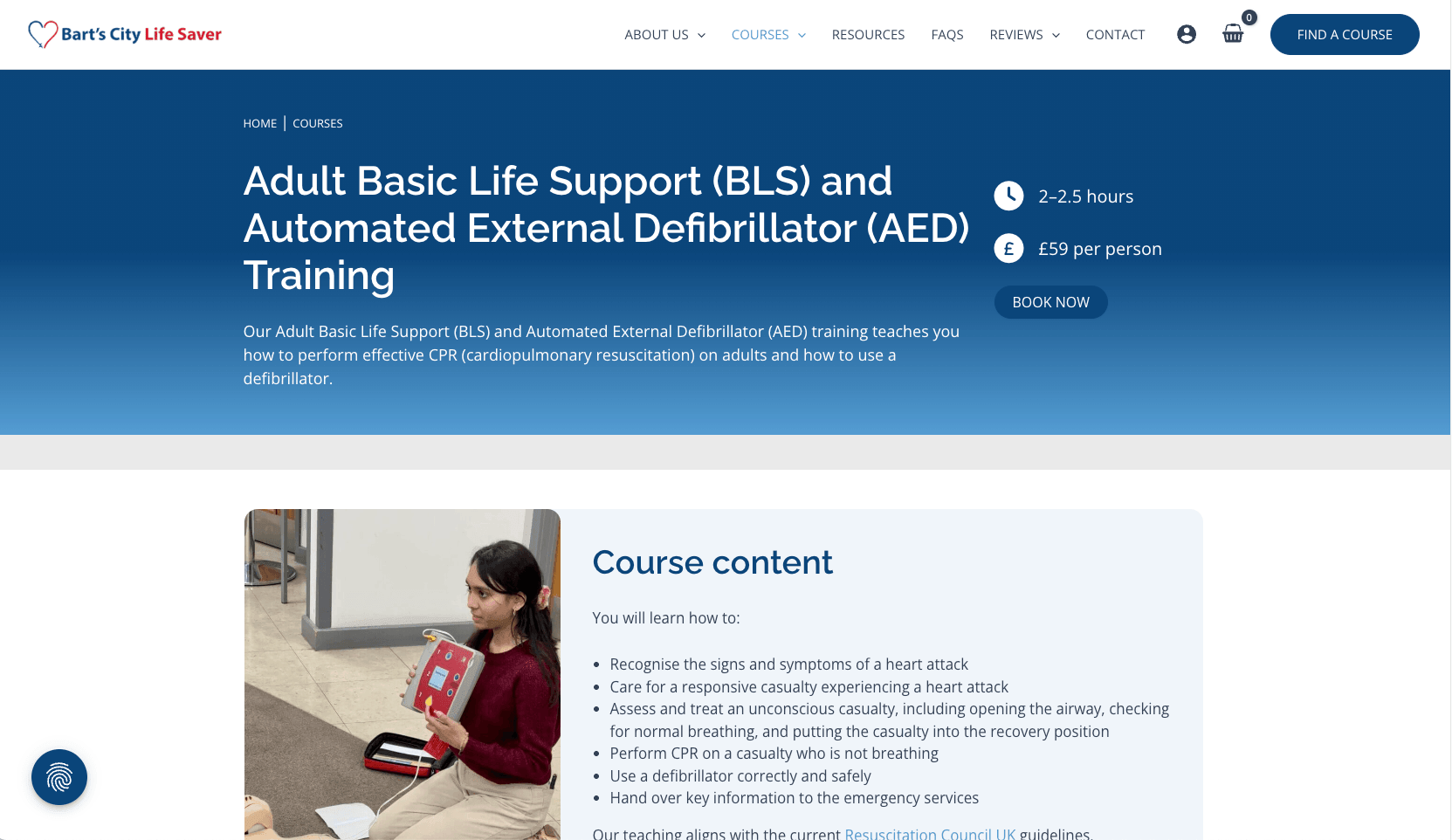
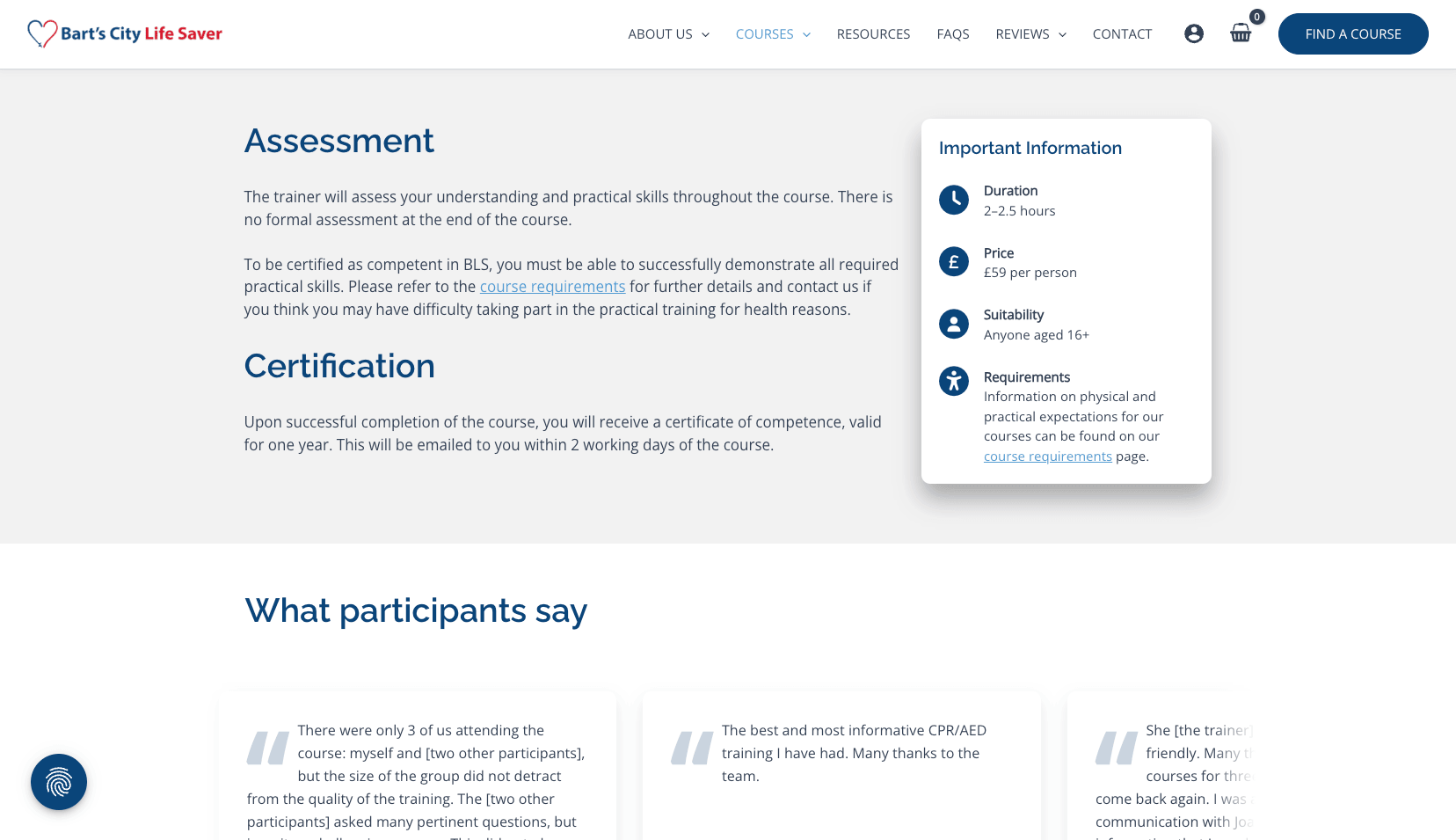
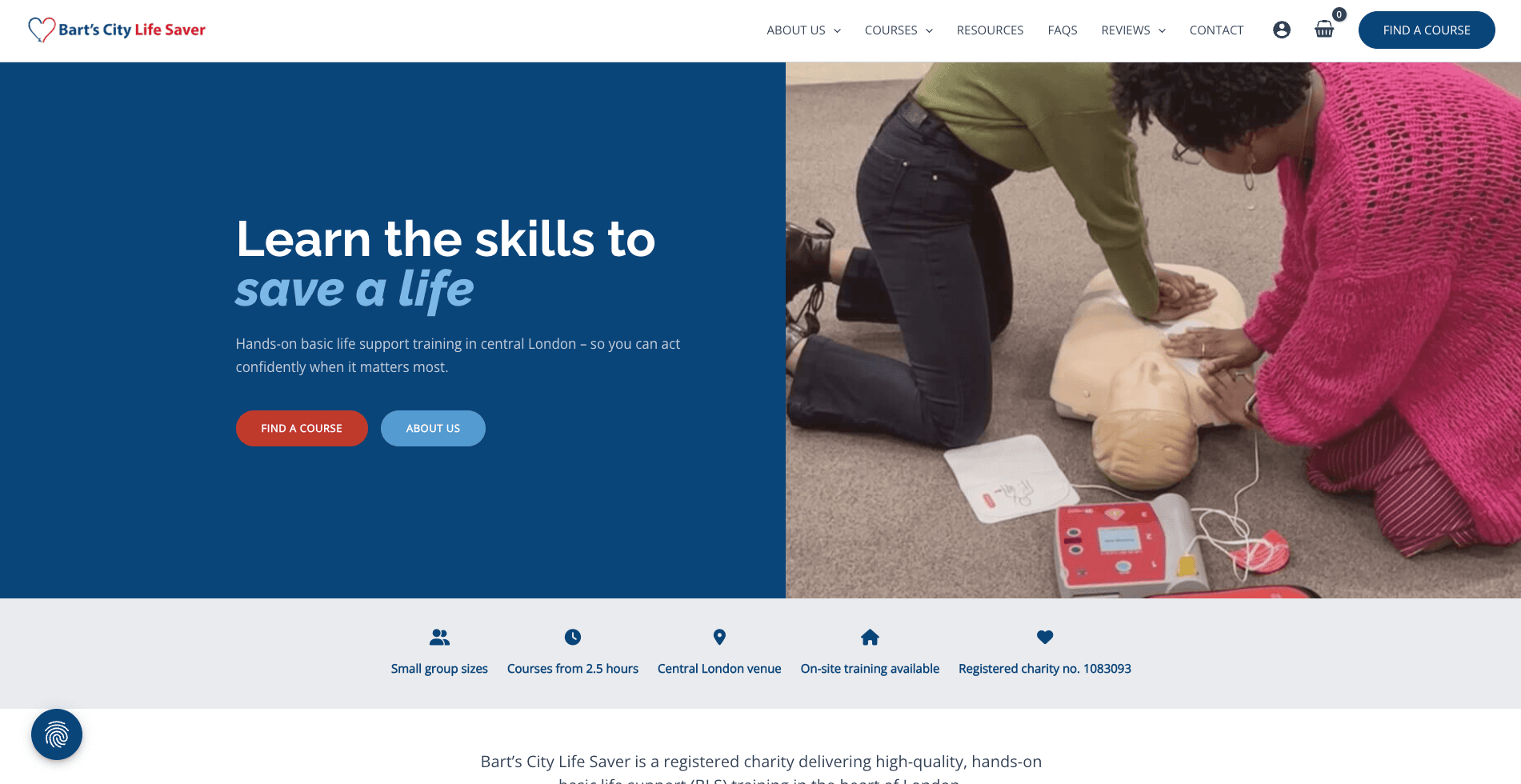
Bart’s City Life Saver website on desktop
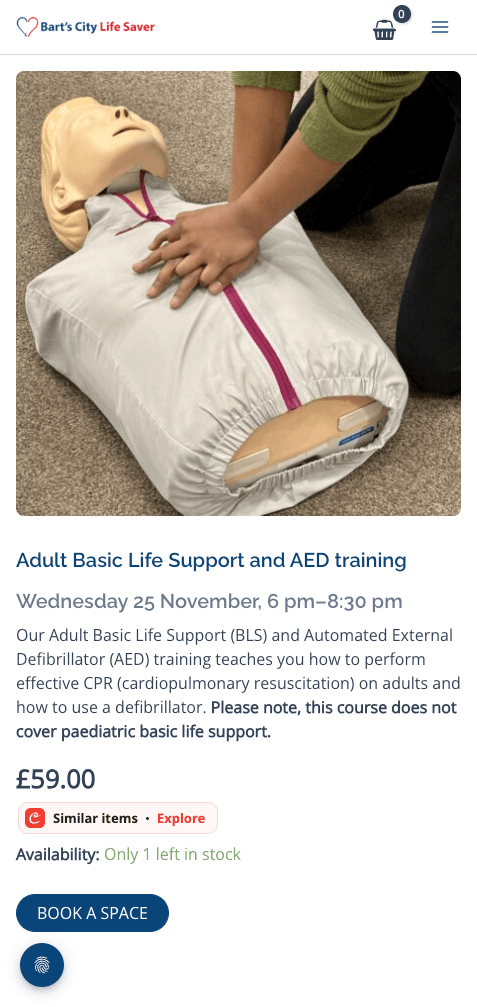
Bart’s City Life Saver website on mobile
Bart’s City Life Saver website screenshot 1
Bart’s City Life Saver website screenshot 2
  • The Brief

    Founded at St Bartholomew’s Hospital in 1986, Bart’s City Life Saver is a registered charity that has trained thousands of Londoners in Basic Life Support (BLS) and defibrillator (AED) use. They run public courses for individuals and also send trainers to workplaces for on-site group sessions.
    Their old Squarespace site couldn’t keep up with how they actually work. They needed a site that felt as trustworthy as the training itself, a booking journey that didn’t lose people between “I really should learn CPR” and paying for a place, and a back end the office could manage day to day. Most visitors arrive on a phone, so booking on mobile had to just work.
  • The Solution

    I moved the site from Squarespace to WordPress and WooCommerce and built everything around one job: getting people booked onto a course.

    Booking and payments

    • Every course date is its own ticket. Each date has its own capacity, so courses can't be overbooked, and attendee details are captured for every place, even when one person books for a group.
    • Checkout without the card hunt. Apple Pay and Google Pay mean most people can book without typing in a card number. Payments are handled by Stripe, so card details never touch the site.
    • Mobile booking that actually books. Bookings were quietly failing on phones, and nobody knew why. I tracked the problem down to the hosting setup and fixed it at the source, so mobile visitors can now book first time.
    • Two clear routes. Individual bookings on one side, on-site workplace enquiries on the other, so nobody ends up in the wrong queue.

    Running the charity day to day

    • Admin a non-technical team can handle. Refunds, cancellations and transfers between dates follow clear steps, so places go back on sale properly instead of disappearing.
    • Course feedback in one place. I built a small standalone tool for post-course feedback. The office and trainers open it securely and can filter responses by trainer and download them straight into Excel, all without needing a WordPress login.
    • Changes tested before they go live. Updates and new features are tried on a private copy of the site first, so they never put real bookings at risk.

    Trust, compliance and deliverability

    • Cookie consent done properly. Tracking only runs once visitors agree, and legal policies update automatically when the law changes.
    • Opt-in media consent. Photo and publicity consent is a genuine opt-in, not a pre-ticked box.
    • Spam protection without the puzzles. I swapped the "click all the traffic lights" tests for invisible spam protection, so real people sail through and bots don't.
    • Emails that land. I set up the behind-the-scenes email security properly and keep an eye on it, so booking confirmations reach inboxes instead of spam folders.

    Search and AI visibility

    • A clear page structure and strong local London signals help Google and AI tools like ChatGPT find the courses and describe them accurately.
  • The Result

    Bart's now has a fast, mobile-friendly site where booking a course takes minutes and the checkout doesn't fall over halfway through. Individual learners and workplaces each get a clear path, the charity's credentials sit front and centre, and the office team can manage bookings, refunds and feedback themselves. With hosting, careful updates and support covered by a care plan, the team can get on with teaching people to save lives.

Like what you've seen? Let's make yours next.

New site, a fix, or help getting found on Google and AI search. Tell me what's going on and I'll tell you straight: what's worth doing, what isn't, and what it'll cost.

Want to see what else I’ve been building? Take a look at a few more recent projects - or if you’ve got a site in mind, let’s have a quick chat.